9001:2015 Quality
assured
Since 2018 · Ahmedabad, India
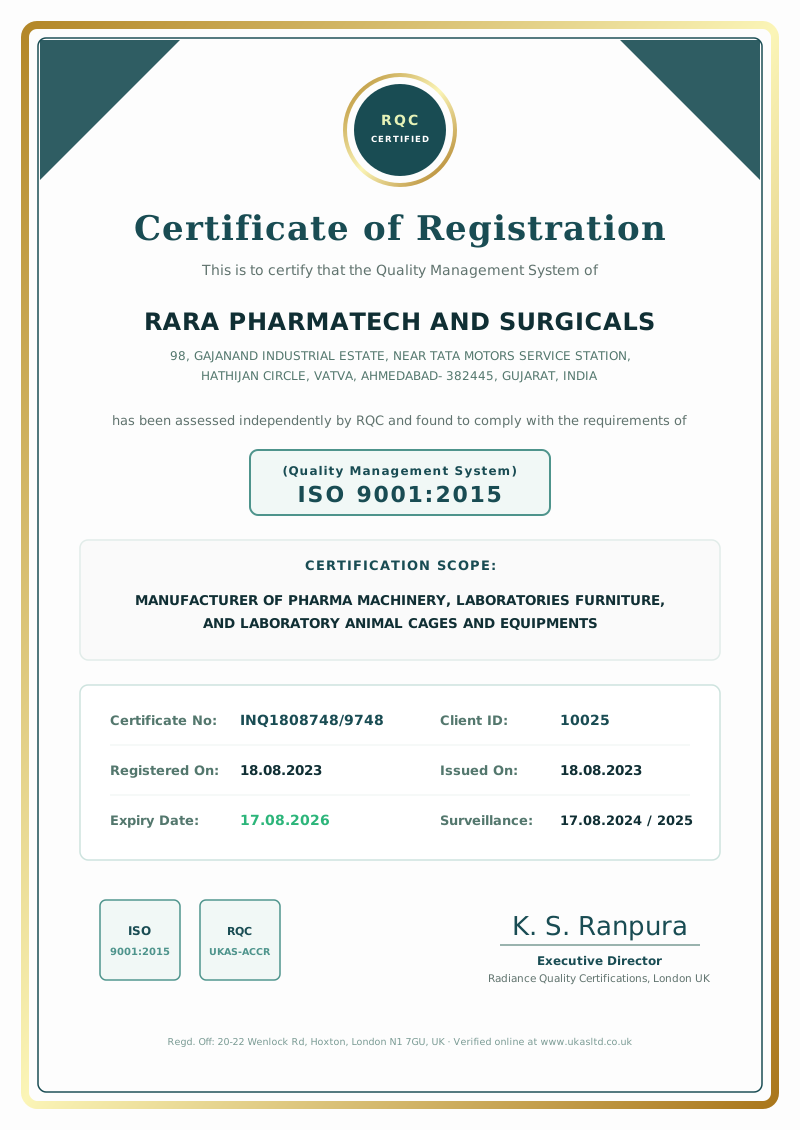
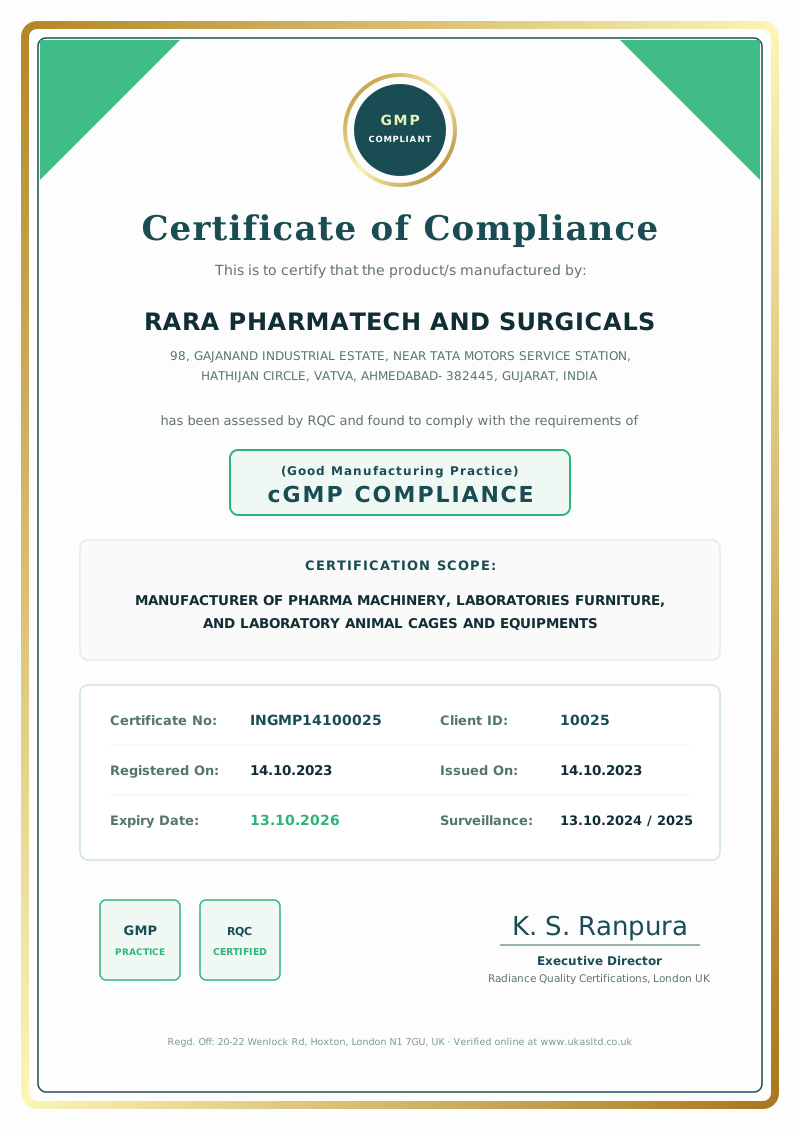
GMP & ISO 9001:2015 Certified Cleanroom ManufacturerEngineered for Excellence.
Designed with Care.
Clean-room furniture, pharmaceutical process equipment and laboratory animal housing systems engineered for critical controlled environments.
The RARA difference
Built around your
standards.
RARA Pharmatech & Surgicals manufactures premium stainless-steel furniture and equipment for controlled environments. From concept to commissioning, we bring fabrication expertise and a focus on hygiene to every detail.
Discover our story ↗Our product categories
One partner.
Three specialised worlds.
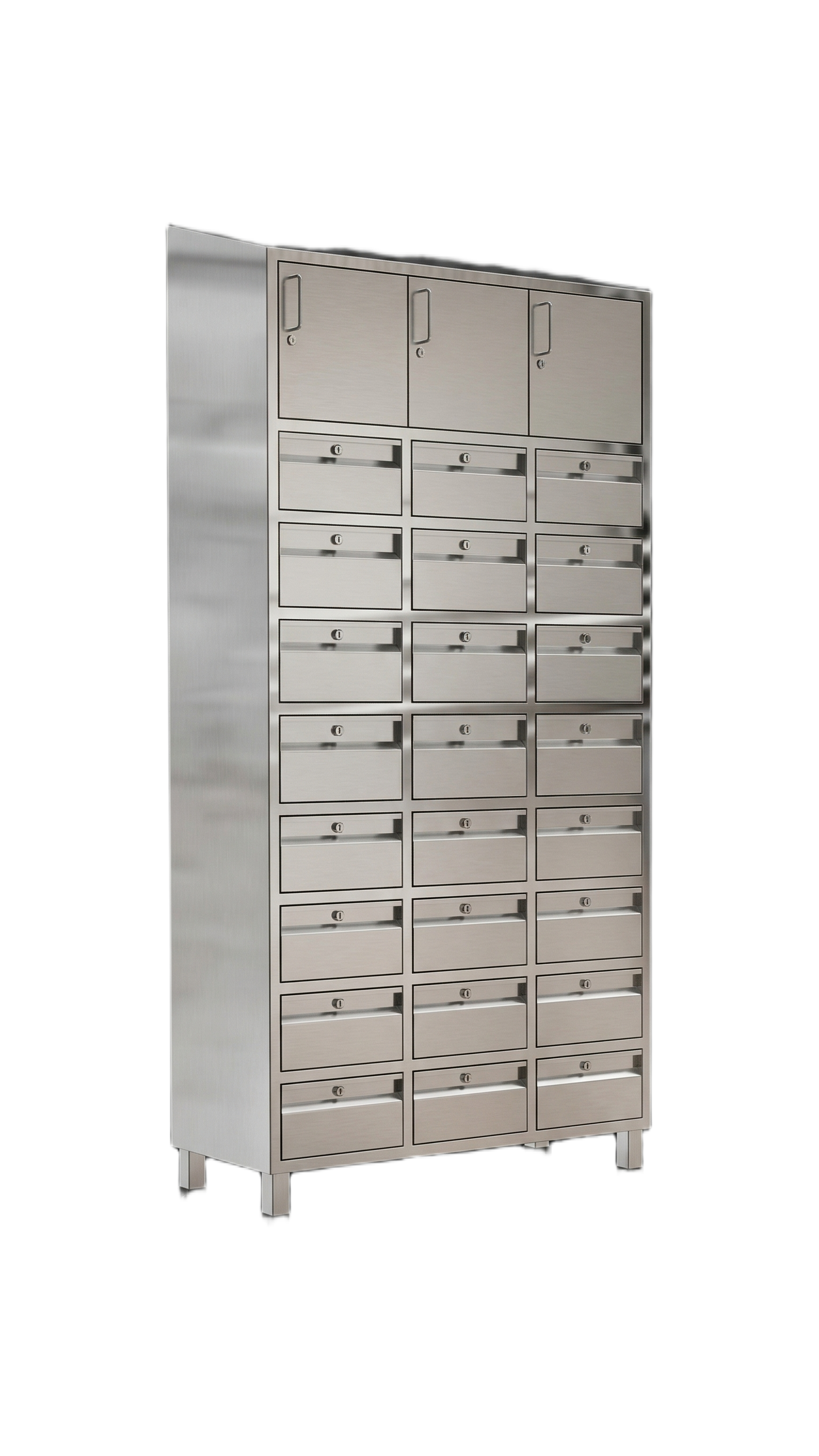
Clean room
furniture
Air locks, benches, lockers, trolleys and controlled-environment essentials.
Explore Products ↗ 02Animal housing
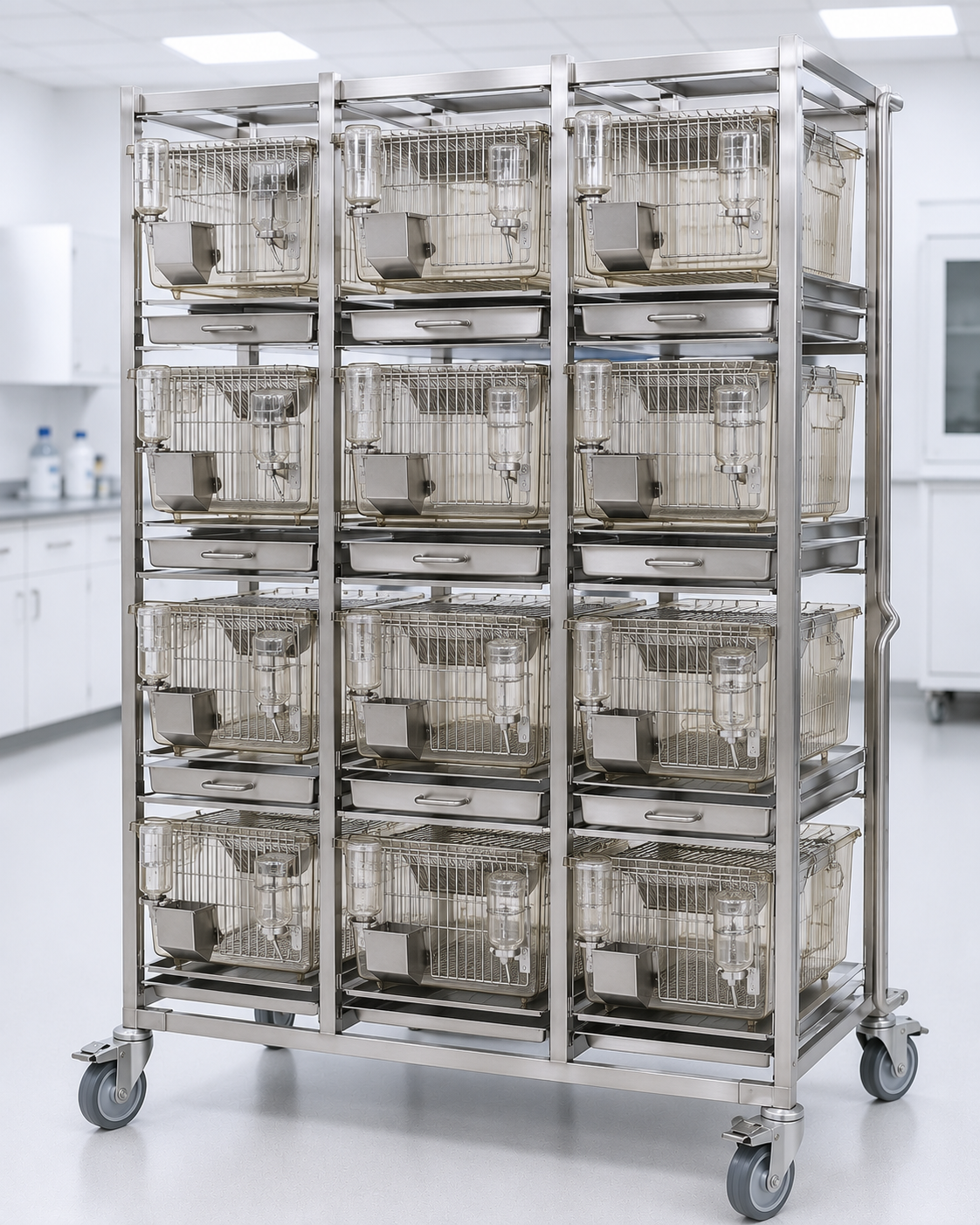
systems
Thoughtfully engineered cages, racks and accessories for research facilities.
Explore Products ↗ 03Pharma process
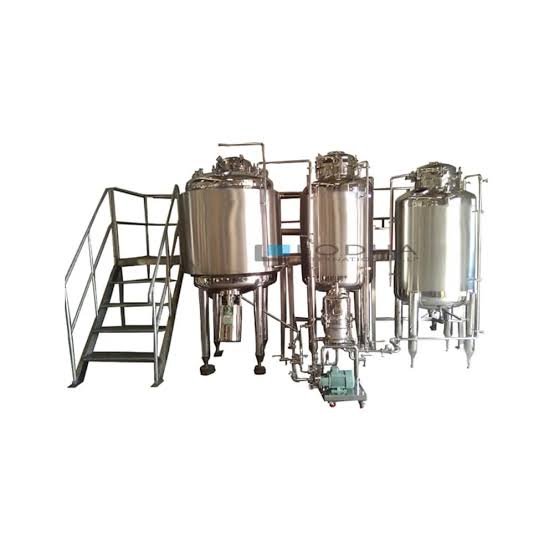
equipment
Reliable mixing, storage and process systems customised to your workflow.
Explore Products ↗Made for critical environments
Quality you can
see in every finish.
01GMP-conscious fabrication Polished, practical, precise.
02Custom-built engineering Designed around your process.
03End-to-end support From design through after-sales service.
Start a conversation
Have a project
in mind?
Tell us what you are building. Our team will help shape the right solution for your space, process and budget.